What to send us first
When you send artwork for a project, start with the final version and tell us where the signage will go. A simple note about the product, size, location and finish helps us check the file before production starts. If the job is for a shopfront in Sandton, a pylon in Midrand, or a municipal sign in Pretoria, the setup is different and we need that context from the beginning.
For most signage jobs, please include the artwork file, a PDF proof if available, and any brand guidelines that affect colour, spacing or logo use. If the sign has multiple panels or faces, label each one clearly. That saves time at site survey stage and reduces errors during fabrication and installation.
- Project name and site location
- Final sign size in millimetres or metres
- Material type if already chosen
- Any required approval notes from landlord, municipality or developer
- Contact person for sign-off
Vector files work best for logos and cut graphics
For logos, lettering, route markers and cut vinyl, vector artwork is the preferred format. Vector files stay sharp at any size, whether the output is a small Perspex nameplate or a large fascia sign. They also allow accurate cutting on routered Perspex, aluminium and brass components.
If your logo is only available as a low-resolution image, it may still be usable for some print work, but it is not ideal for cutting or scaling. We can advise on whether the file can be cleaned up, traced or rebuilt for production. In many cases, a proper vector file makes the difference between a neat finish and one that looks soft at the edges.
- Best file types: AI, EPS, PDF with vector content, or SVG
- Keep text outlined or send fonts with approval if needed
- Do not merge signage artwork, logos and LED screen visuals into one low-resolution file
- Check that line weights are suitable for cutting and fabrication
Colour setup for print, paint and illuminated signs
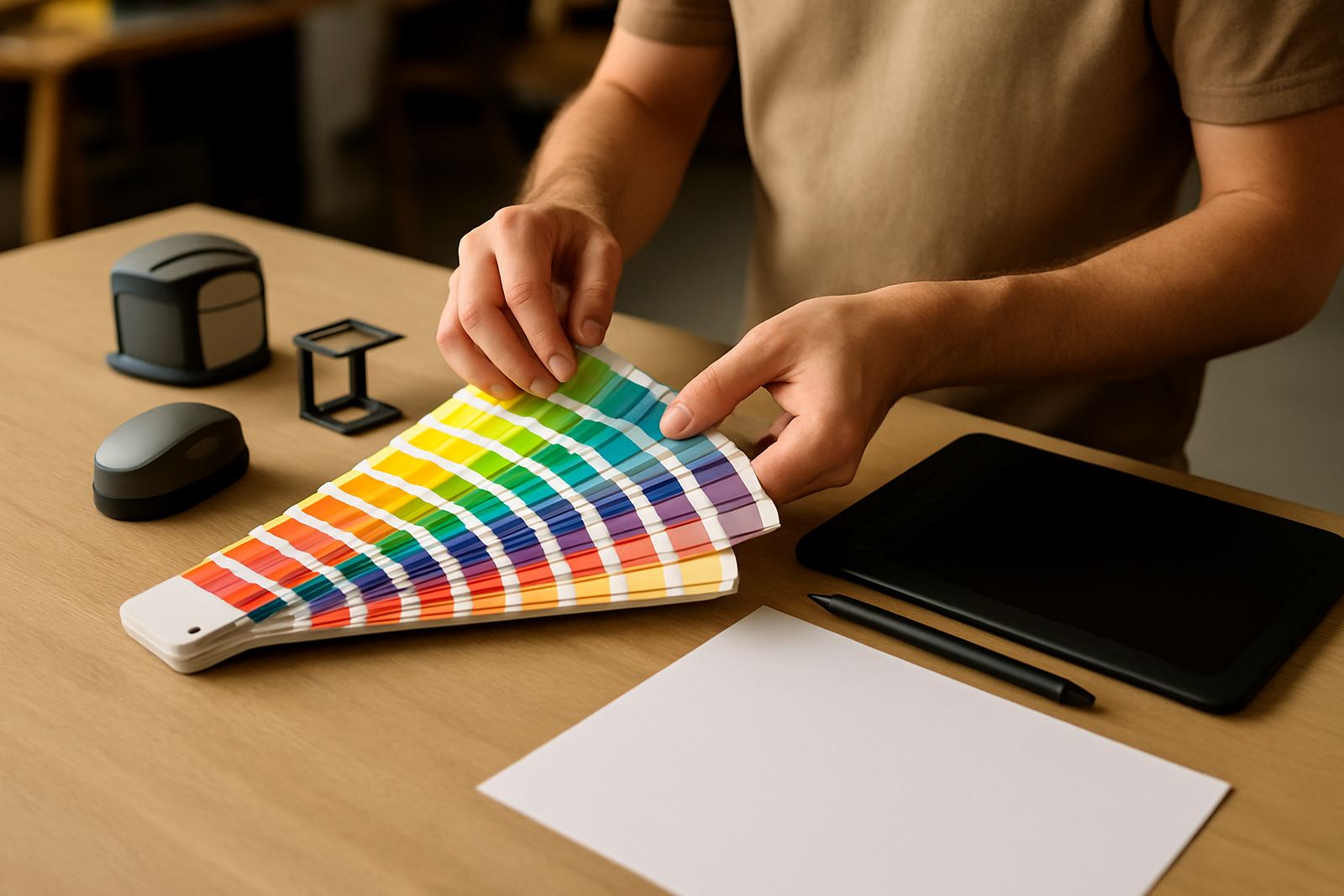
Colour behaves differently on printed vinyl, painted aluminium, illuminated light boxes and LED screens. What looks fine on a laptop may shift once it is printed, backlit or viewed at distance. Please supply your colour references clearly, especially if your brand uses exact corporate colours.
For printed items, send CMYK artwork where possible. For cut vinyl, painted panels or built-up lettering, provide Pantone or other approved colour references so we can match materials more accurately. If the sign is illuminated, the face material and light source can change how the colour appears at night, so we may recommend a sample or test view before production. Coastal humidity in Durban, for example, can also affect how some finishes age over time, so material choice matters too.
- Use CMYK for print-based artwork
- Supply Pantone references for brand-matched colours
- Confirm black values and metallic finishes separately
- Ask for a sample where colour accuracy is critical
Image resolution for large-format printing
For banners, billboard copy, wraps and large printed panels, image quality must match the viewing distance. A file that is fine for social media may look poor on a building fascia. The closer people stand to the sign, the higher the resolution needs to be. For high-level signage viewed from the road, we can work with lower resolution than we would use for close-up point-of-sale graphics.
As a guide, supply images at the highest quality available and avoid screenshots or images taken from messaging apps. If the image is part of a light box or internal display, we may need a cleaner source file than you expect. We can advise on pixel size, scaling and suitability for load-shedding backup screens or outdoor LED content as well.
- Use original photo files where possible
- Avoid compressed copies sent through chat apps
- Do not stretch small images to make them fit
- Check the viewing distance before choosing resolution
Bleed, safety margins and final trim sizes
Artwork for signage often needs bleed, trim marks and safe areas. This is especially important on printed panels, vinyl wraps and graphics that are cut to shape. Bleed gives us a little extra material to trim cleanly, while the safe area keeps important text and logos away from the edge.
For shaped signs, router-cut lettering and face panels, the final cut line must be clearly shown. If the artwork is supplied too tight, we may need to stop production and request a corrected file. That can delay an installation in Gauteng by days, especially when cranes, access equipment or municipal approvals are already booked. A small mistake here can become an expensive one.
- Add bleed where the sign will be trimmed
- Keep tenant names and logos within the print safe zone
- Mark cut lines clearly on shaped items
- Label the final size and finished orientation
How to prepare files for approvals and production
Some projects need more than artwork alone. Wayfinding systems, road signs, pylons and municipality-facing work often need approval drawings, structural notes or site details before we can move ahead. In those cases, send the artwork together with any existing plans, elevations or sign schedules. The more complete the pack, the quicker the review.
If you are unsure whether the file is ready, send what you have and we will assess it. We regularly handle projects across Modderfontein, Randburg, Germiston, Centurion and Durban, so we are used to working with local site constraints, wind loading, and tight access. If the art is not ready yet we’ll tell you what still needs attention before fabrication starts.
- Include any approval drawings with the artwork
- Send site photos if the sign must fit an existing structure
- State whether the file is for print, cut, CNC or LED use
- Allow time for checks before installation booking